Medical Disclaimer: The information provided on this website is for informational and educational purposes only and is not intended as personal medical or health advice. The content, including text, graphics, and images, is not a substitute for professional medical advice, diagnosis, or treatment. Always seek the advice of your physician or other qualified healthcare provider with any questions you may have regarding a medical condition or before starting any new exercise, nutrition, or supplement program. Never disregard professional medical advice or delay in seeking it because of something you have read on this blog. Reliance on any information provided by this site is solely at your own risk.
Turn Scrollers into Consistent Trainees with Video
Engaging workout videos convert casual scrollers into consistent trainees. You’ll learn planning, filming, editing, and programming techniques that make viewers stay, learn, and train safely.
To create engaging workout videos, plan clear routines, light the scene, capture crisp audio, edit fast, add captions, and show modifications.
Clear Cues and Timers Boost Completion Rates
Clear video instruction shortens the learning curve and improves adherence. When viewers see pacing, breathing, and modifications, they mirror form better and feel safer attempting sessions.
In practice studies and platform analytics, shorter segments, visible cues, and on-screen timers correlate with higher completion rates. Behavior change research suggests frequent, simple prompts help novices exercise more. In my coaching, sessions with voice-over cues and captions consistently draw more saves and comments than music-only uploads.
The physiology angle matters too: demonstrating real intensity (e.g., Zone 2 recovery rides vs. RPE 8 intervals) teaches pacing more effectively than text. I often overlay heart rate from a Garmin to show effort, and beginners report reduced anxiety about “going too hard,” which keeps them consistent.
Plan, Light, Film, and Edit for Retention
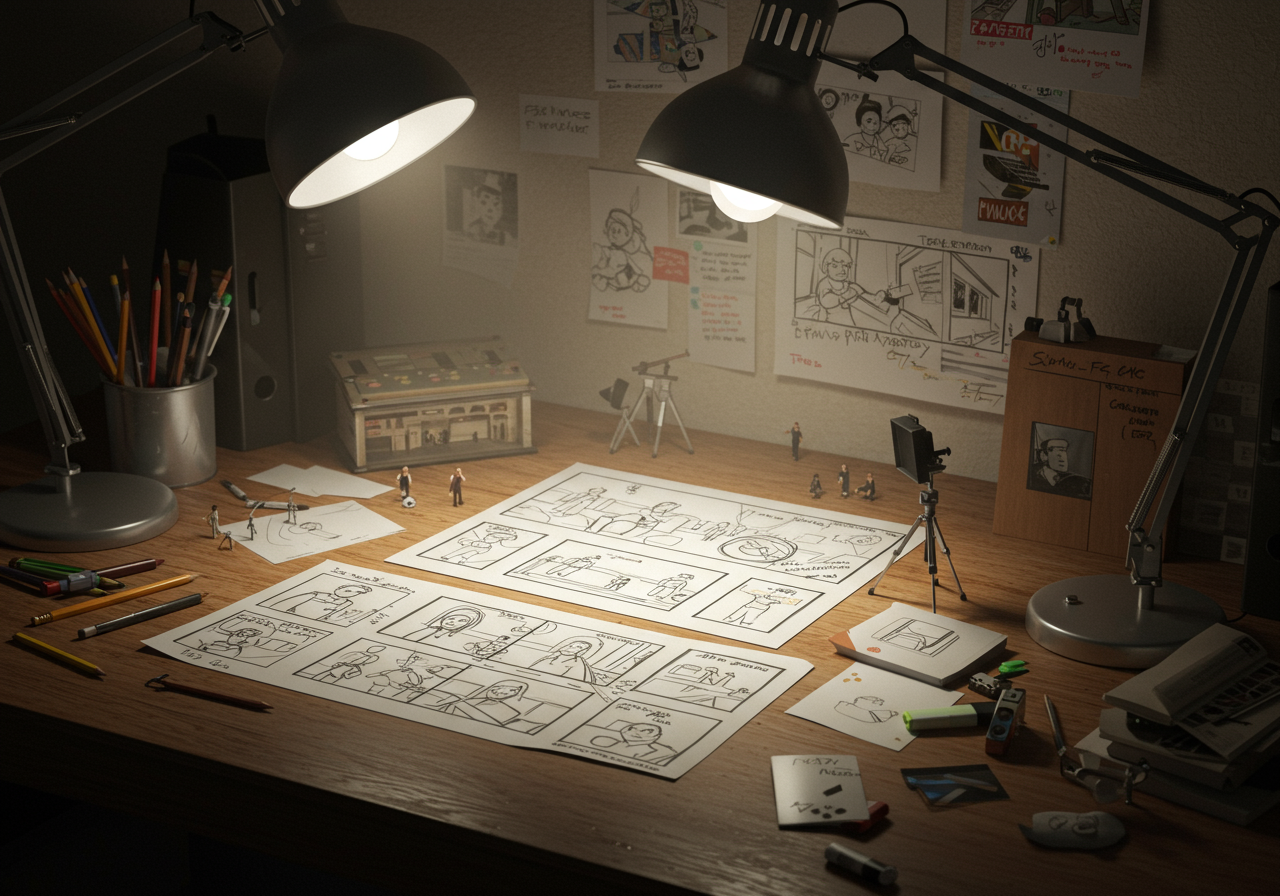
Plan your intent. Pick one viewer outcome (e.g., “12-minute full-body for busy beginners”) and one style (follow-along or tutorial). List 3–5 moves max, with 1–2 regressions.
Design for the camera. Use simple flows (e.g., hinge → push → squat → core). Keep transitions tight, with a visible rest clock. If coaching live, add quick cues: stance, spine, breathing.
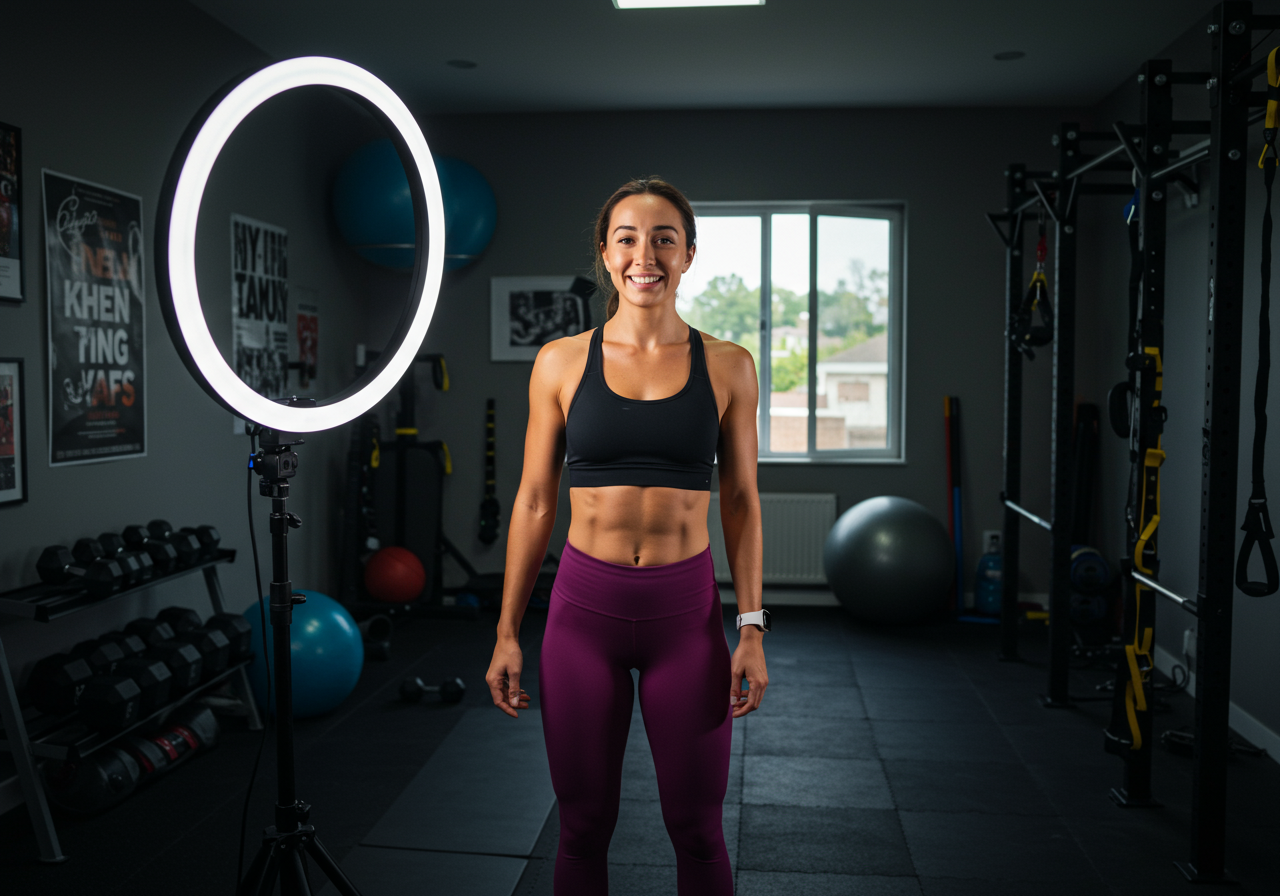
Light and audio. Face a window or use two soft lights at 45°. Prioritize audio: a wired or wireless lav mic beats built-in phone mics. Record a 10-second clap to sync audio if using two sources.
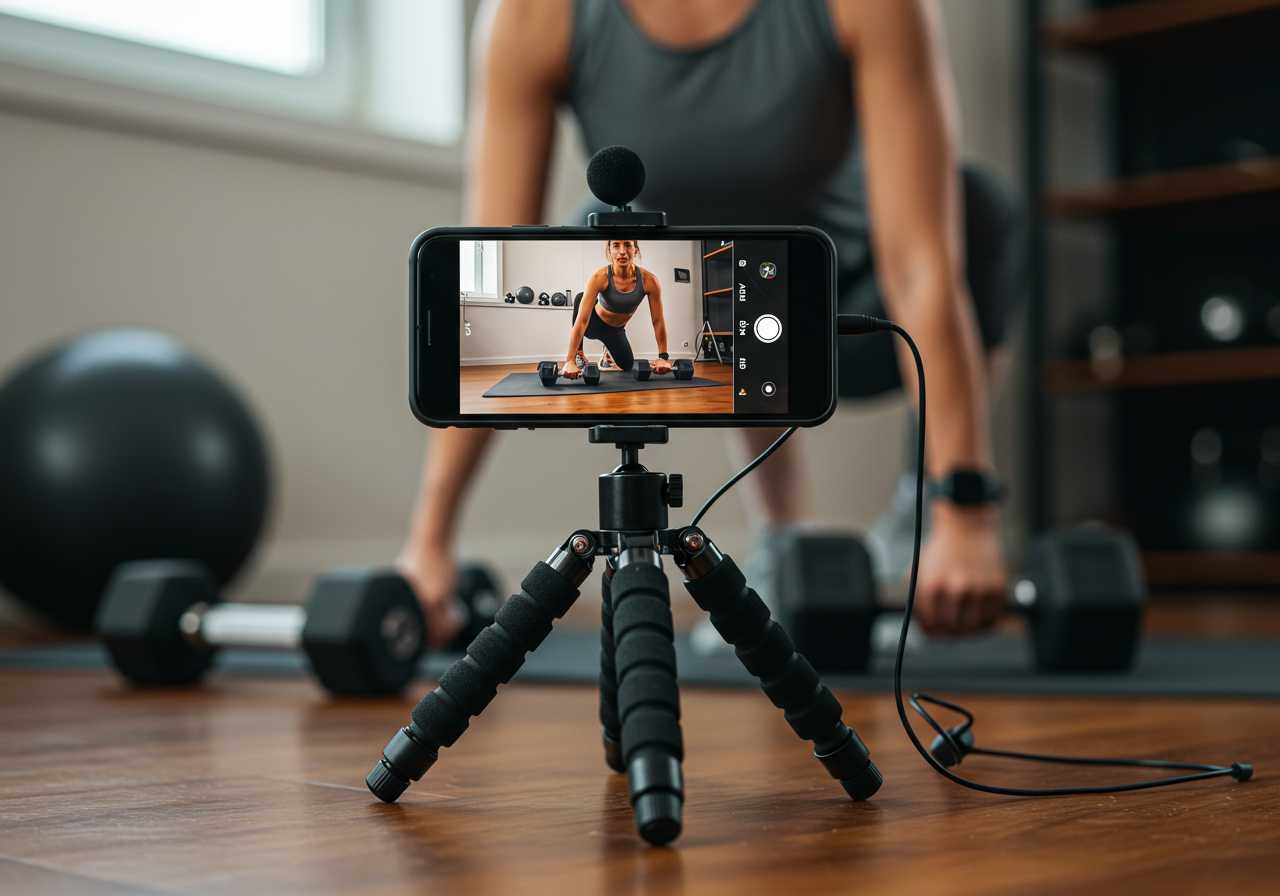
Film efficiently. Lock the phone on a tripod at hip height for full-body framing. Shoot A-roll (instruction) first, then B-roll (angles of key joints). Keep takes short to reduce editing time.
Edit for retention. Open with the result (“Follow me for 12 minutes—no jumps.”). Cut pauses. Add captions, rep/timer overlays, and arrows for knee or wrist alignment. Use royalty-free music at low volume.
Make it real. I often film the actual session I’m doing: example—20-minute EMOM, average heart rate in mid Zone 3, RPE ~7. Authentic pacing and face effort read well on camera.
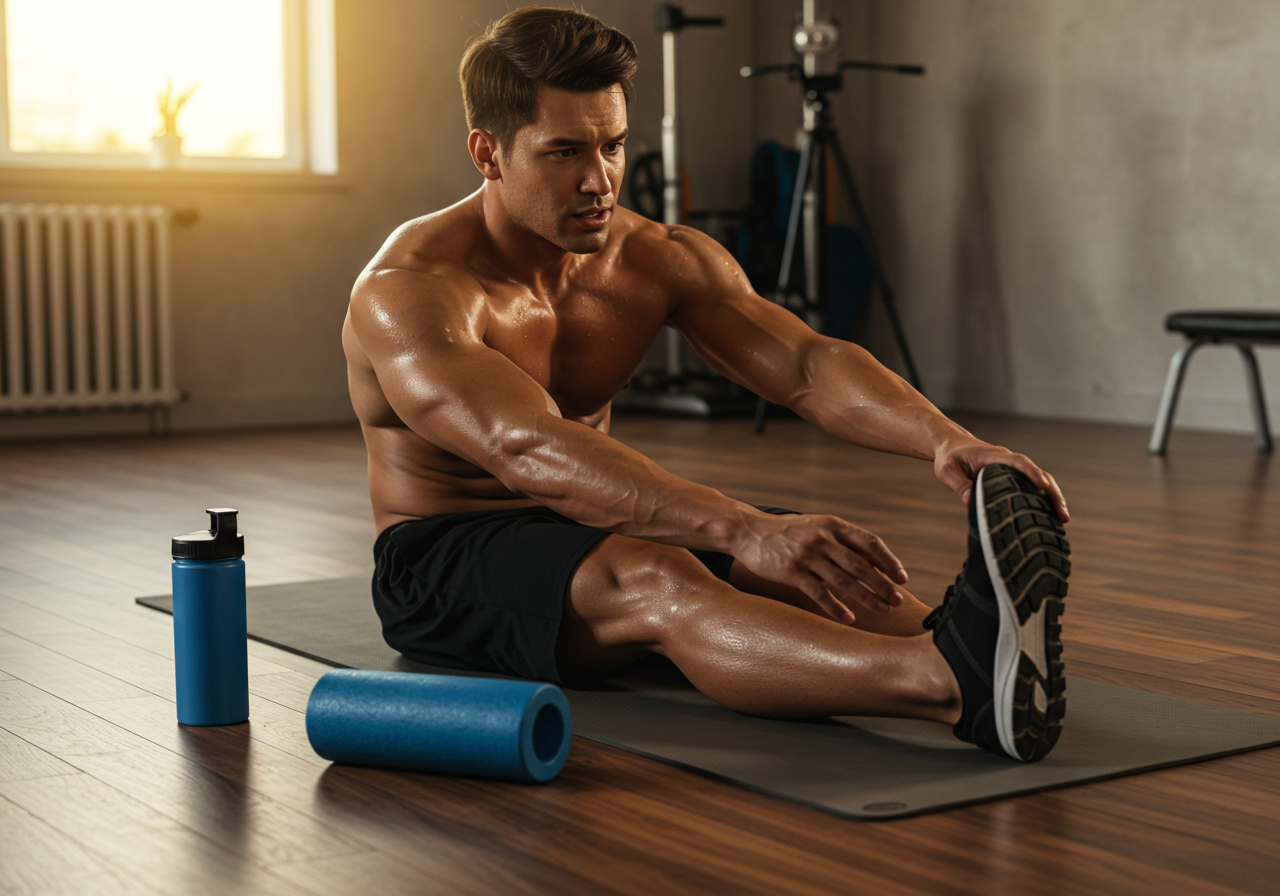
Fuel and recovery matter on filming days: a light carb snack 60–90 minutes pre-shoot, warm up 5–7 minutes, hydrate between takes, and cool down after to protect your voice and joints.
Quick checklist for one-take workout video
Caption: Use this snapshot to prep your shoot fast.Item | What to do | ToolsGoal | Define outcome and audience | Notes appProgram | 3–5 moves + regressions | WhiteboardAudio | Clip-on lav, test levels | Wired/wireless lavLighting | Face window or two softboxes | Ring/softbox lightsFraming | Full body, side angle backup | Tripod + phoneOverlays | Timer, captions, HR (optional) | CapCut, VN, Final CutThumbnail | Big text + clear move | Canva, FigmaCTA | Save/share/.
Client voice: “I finally finished a full session using your captions and 30-second intervals. The knee arrow cue fixed my squat instantly.” — Maya, beginner runner
Progress from Simple Follows to Data-Driven Series
Level 1 — Start simple (2 weeks): – Format: 8–12 minute follow-alongs, 3–4 moves, 2 angles only. – Metrics: aim for 30–45% average view duration and 60%+ completion on Shorts/Reels. – Training demo: low-impact circuits (e.g., 4 rounds: hinge, row, squat, dead bug).
Level 2 — Add coaching polish (weeks 3–6): – Introduce voice-over and on-screen regressions/progressions. – Add heart rate or RPE labels for each block; record with Garmin/Apple Watch and display a simple graph or number. – Build a three-episode mini-series (Mobility Monday, Strength Wednesday, Conditioning Friday) to train audience habit.
Level 3 — Story and data (weeks 7–10): – Start with the viewer’s problem, then promise: “Knee-friendly 15-minute legs—no jumps.” – Include a micro-test at the end (e.g., 60-second AMRAP) so viewers can benchmark. Encourage comments with scores. – Edit in B-roll close-ups showing grip/foot placement and add captions for common mistakes.
Level 4 — Advanced production (ongoing): – Multi-cam angles, color consistency, branded lower-thirds, and a 3-second cold open hook. – Add live-cued pacing: call reps with breathing (“exhale as you press”). Create beginner/intermediate/advanced overlays per move.
Reality check: In my recent beginner series, episodes with stronger hooks and captions tended to get longer watch time and more saves than music-only uploads. Expect variability; iterate weekly rather than chasing one viral clip.
Post Smart, Demo Safe, and Track Engagement
Frequency and load: Post 2–3 workouts weekly. Film no more than one high-intensity demo per day to avoid overuse. Use RPE: keep most demos ≤7/10, with one tougher session weekly if you’re conditioned.
Safety for viewers: Always state who should modify or skip (e.g., knee pain, pregnancy). Offer regressions first, then progressions. Avoid maximal lifts without clear coaching and camera angles.
Troubleshooting: – Plateaued views: tighten the first 5 seconds, add a stronger promise, front-load the demo. – Overtraining while filming: alternate demo days with voice-over tutorials or technique shorts. – Motivation dips: batch-shoot 3 videos in one session; script hooks in advance. – Minor aches: reduce plyometrics on camera; show low-impact swaps.
Progress tracking: Monitor view duration, completion rate, saves, and comments-to-views ratio. Training-wise, log your demo RPE, sets, and heart rate. Apps: Strava or Garmin for HR; MyFitnessPal for fueling on shoot days; Notion/Sheets for content calendar.
Recovery: Sleep 7–9 hours, target 1.6–2.2 g/kg protein if training regularly, and rehydrate after filming. A short mobility sequence post-shoot preserves voice and shoulder health.
Next steps: Download my shot list and caption template, then build a three-episode beginner series. Tag me when you publish—I share standout videos on my weekly roundup.
Medical Disclaimer: The information provided on this website is for informational and educational purposes only and is not intended as personal medical or health advice. The content, including text, graphics, and images, is not a substitute for professional medical advice, diagnosis, or treatment. Always seek the advice of your physician or other qualified healthcare provider…
Medical Disclaimer: The information provided on this website is for informational and educational purposes only and is not intended as personal medical or health advice. The content, including text, graphics, and images, is not a substitute for professional medical advice, diagnosis, or treatment. Always seek the advice of your physician or other qualified healthcare provider…
Medical Disclaimer: The information provided on this website is for informational and educational purposes only and is not intended as personal medical or health advice. The content, including text, graphics, and images, is not a substitute for professional medical advice, diagnosis, or treatment. Always seek the advice of your physician or other qualified healthcare provider…
Medical Disclaimer: The information provided on this website is for informational and educational purposes only and is not intended as personal medical or health advice. The content, including text, graphics, and images, is not a substitute for professional medical advice, diagnosis, or treatment. Always seek the advice of your physician or other qualified healthcare provider…
Medical Disclaimer: The information provided on this website is for informational and educational purposes only and is not intended as personal medical or health advice. The content, including text, graphics, and images, is not a substitute for professional medical advice, diagnosis, or treatment. Always seek the advice of your physician or other qualified healthcare provider…
Medical Disclaimer: The information provided on this website is for informational and educational purposes only and is not intended as personal medical or health advice. The content, including text, graphics, and images, is not a substitute for professional medical advice, diagnosis, or treatment. Always seek the advice of your physician or other qualified healthcare provider…